Day-86: DevOps Project 7: Automating Portfolio Deployment

"DevOps enthusiast and aspiring engineer. Currently honing skills in streamlining development workflows and automating infrastructure. Learning AWS, Docker, Kubernetes, Python, and Ansible. Eager to contribute and grow within the DevOps community."
TABLE OF CONTENTS
Project Overview
Necessary Preparations
Step-by-Step Project Execution
Project Overview
The core objective of this project is to automate the deployment of a Portfolio application onto AWS S3 using GitHub Actions. By leveraging GitHub Actions directly within the GitHub Repository, continuous integration and deployment (CI/CD) processes are seamlessly streamlined.
Necessary Preparations
S3 Bucket Creation: Establish an S3 bucket to serve as the hosting environment for the portfolio application.
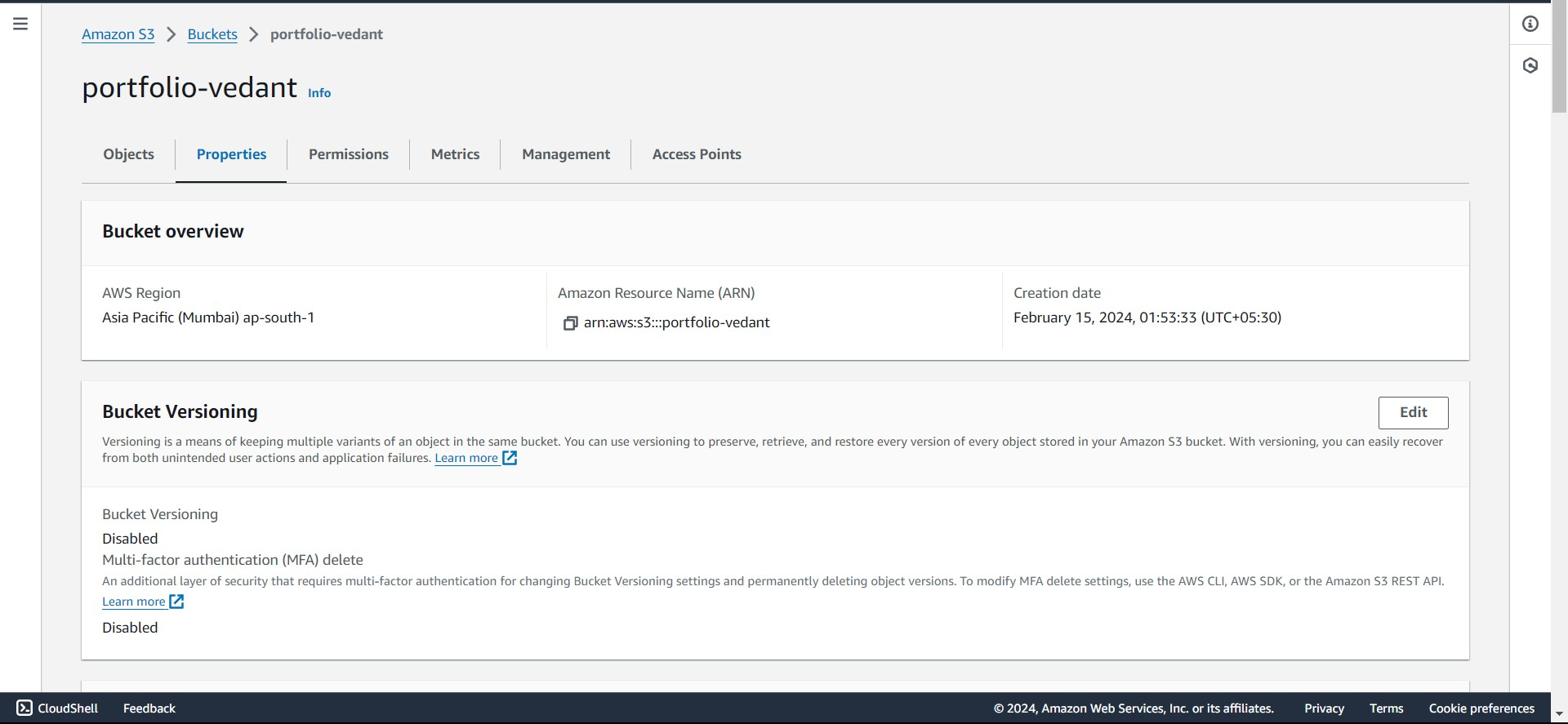
IAM User Configuration: Set up an IAM user with the requisite permissions for interacting with the AWS S3 service.
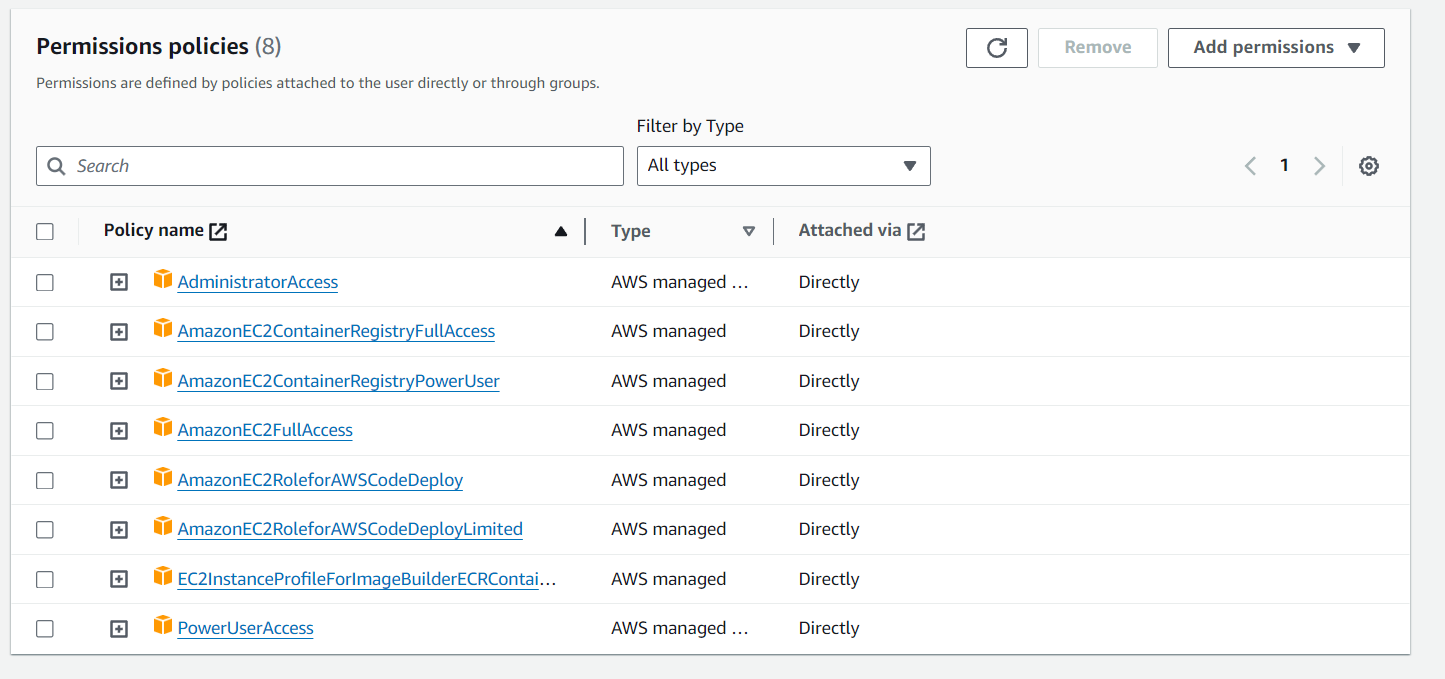
Step-by-Step Project Execution
Retrieve Portfolio Application from GitHub: Clone the Portfolio application from GitHub either locally or onto an AWS server for further processing.
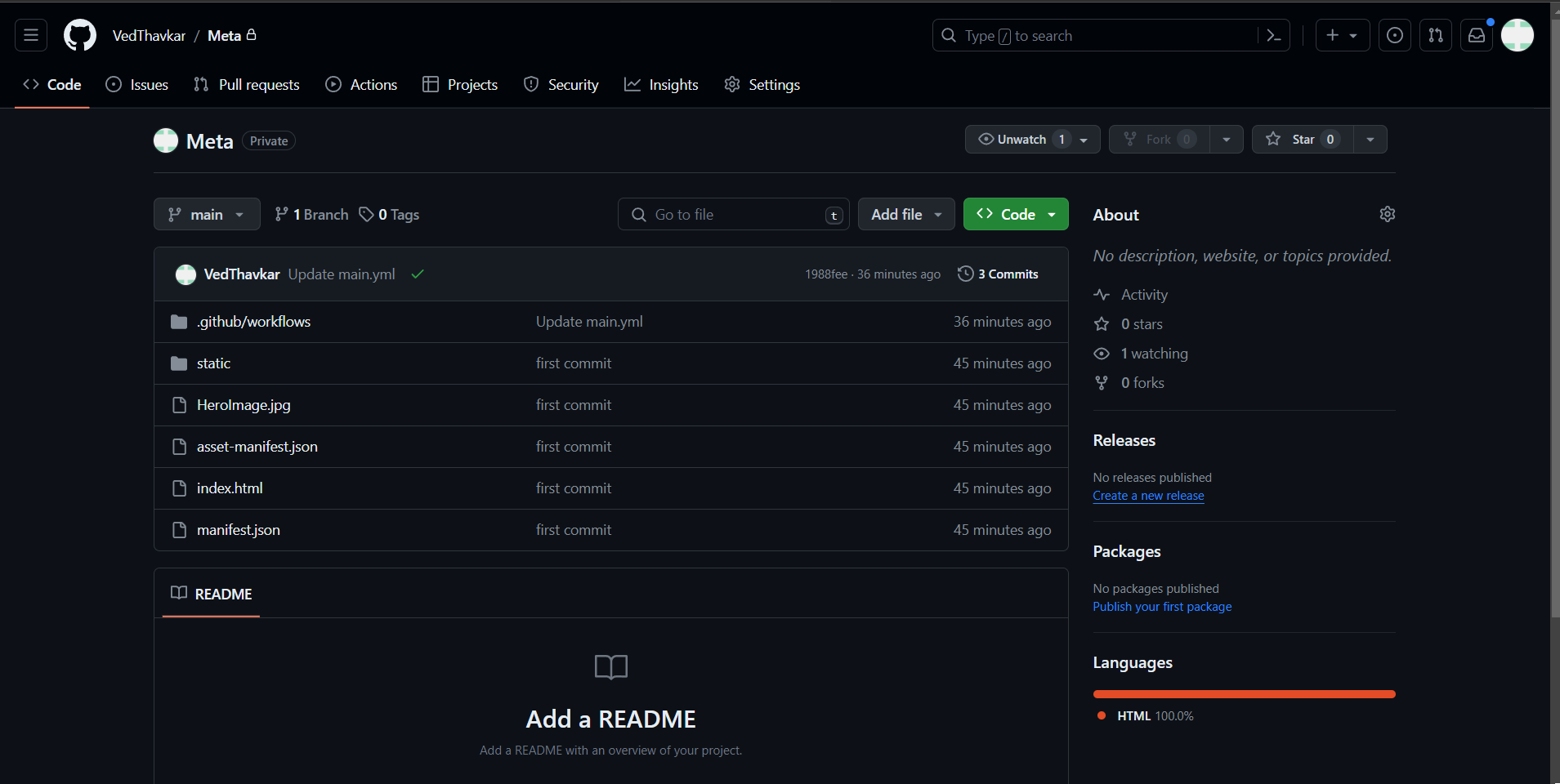
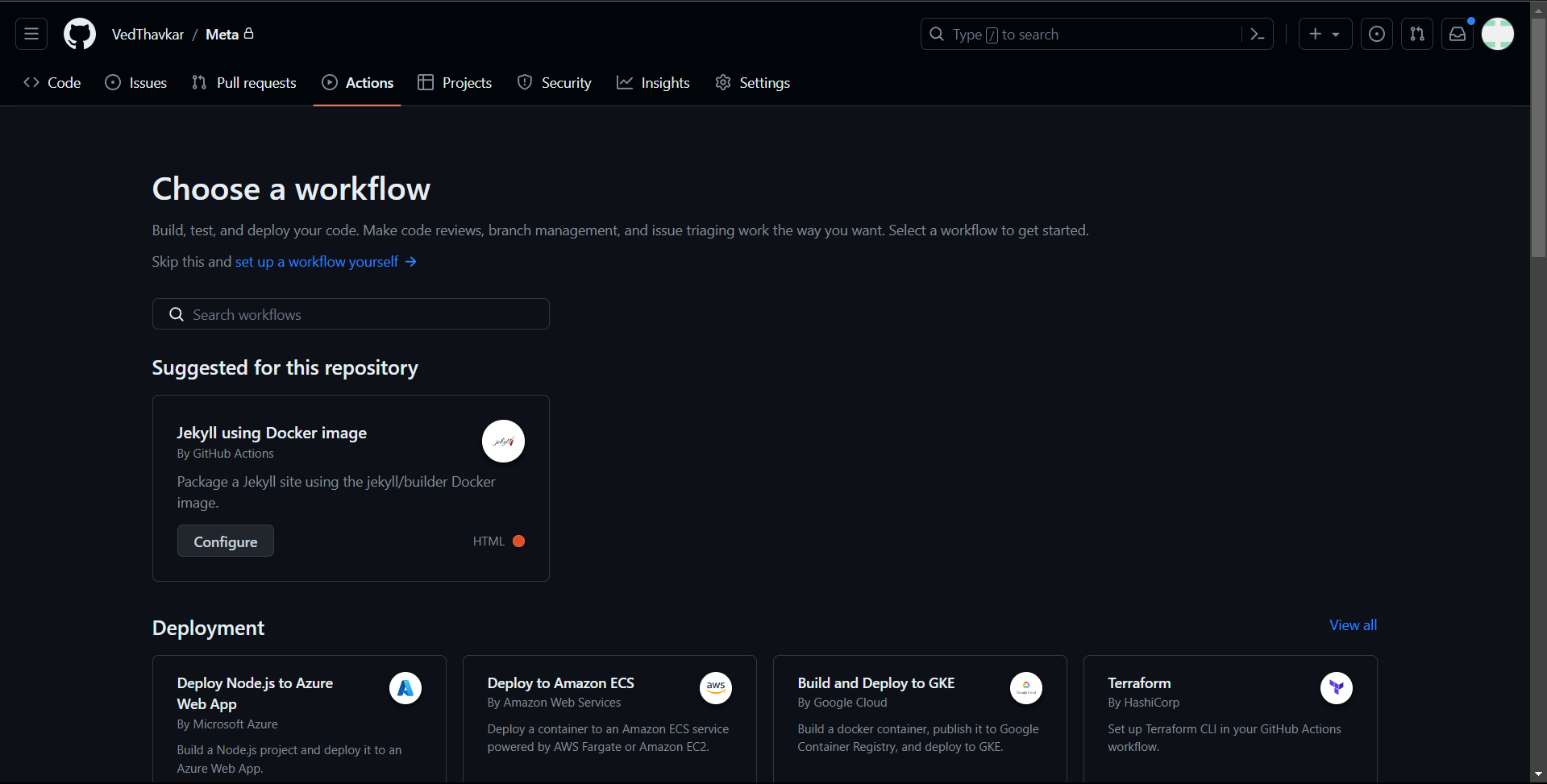
Configuration of GitHub Actions Workflow: Access the actions section within the GitHub repository and configure a new workflow for seamless integration.
 name: Portfolio-Deployment

 on:
   push:
     branches:
       - main

 jobs:
   build-and-deploy:
     runs-on: ubuntu-latest
     steps:
       - name: Checkout
         uses: actions/checkout@v1

       - name: Configure AWS Credentials
         uses: aws-actions/configure-aws-credentials@v1
         with:
           aws-access-key-id: ${{ secrets.AWS_ACCESS_KEY_ID }}
           aws-secret-access-key: ${{ secrets.AWS_SECRET_ACCESS_KEY }}
           aws-region: ap-south-1

       - name: Deploy static site to S3 bucket
         run: aws s3 sync . s3://portfolio-vedant --delete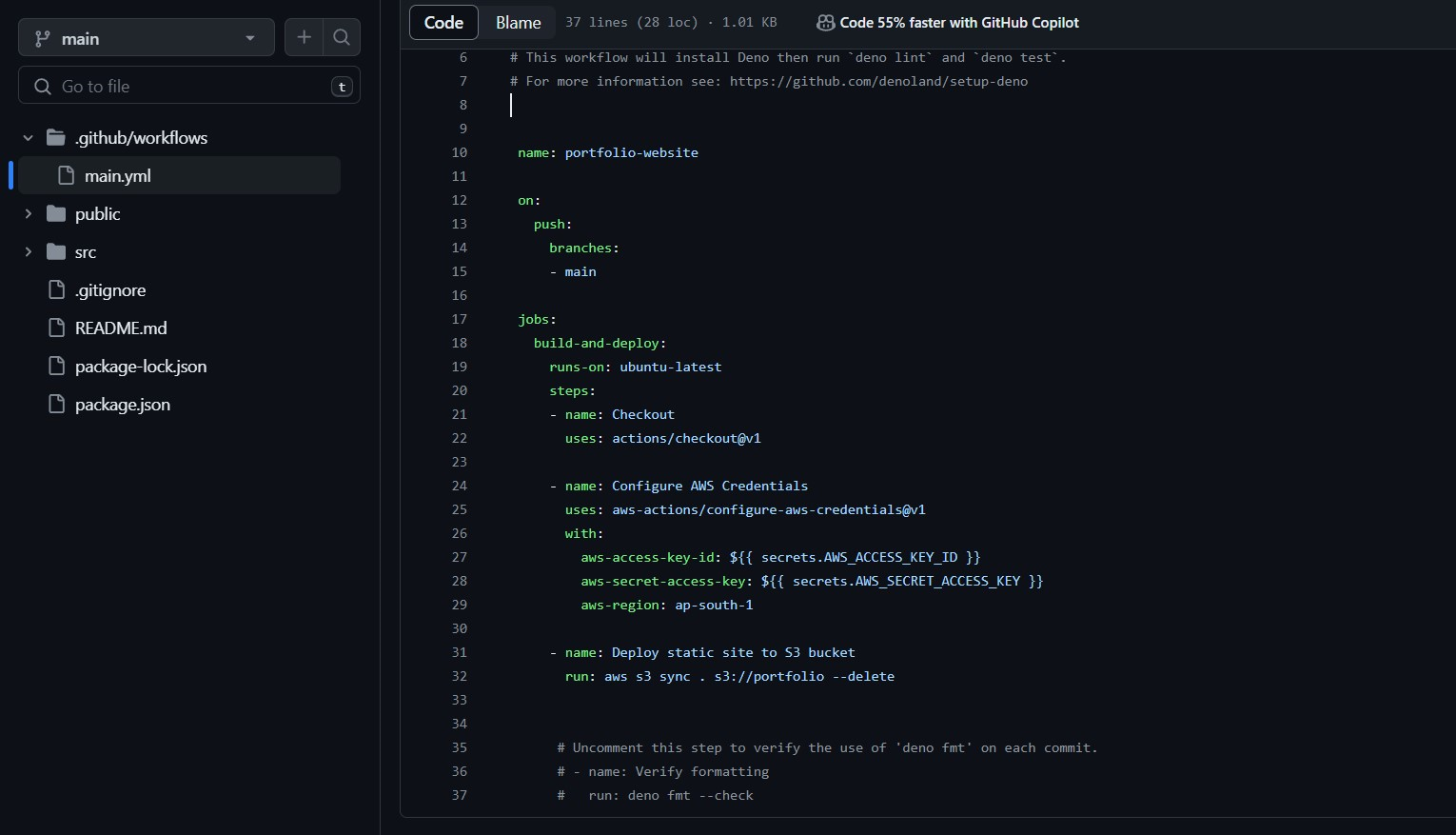
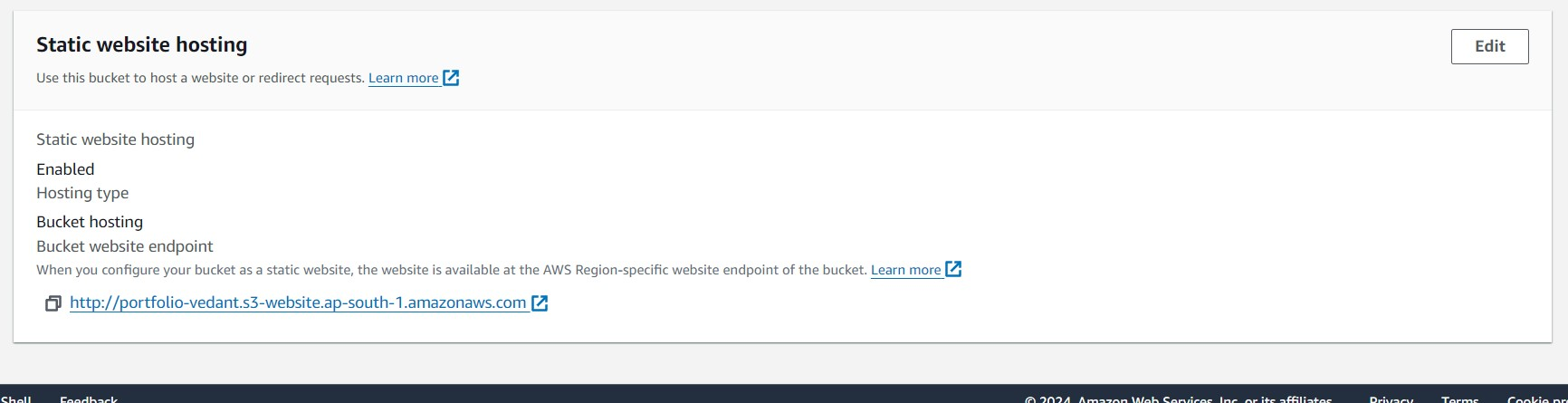
AWS S3 Configuration for Hosting: Configure the S3 bucket for public access and enable static website hosting to serve the portfolio application.
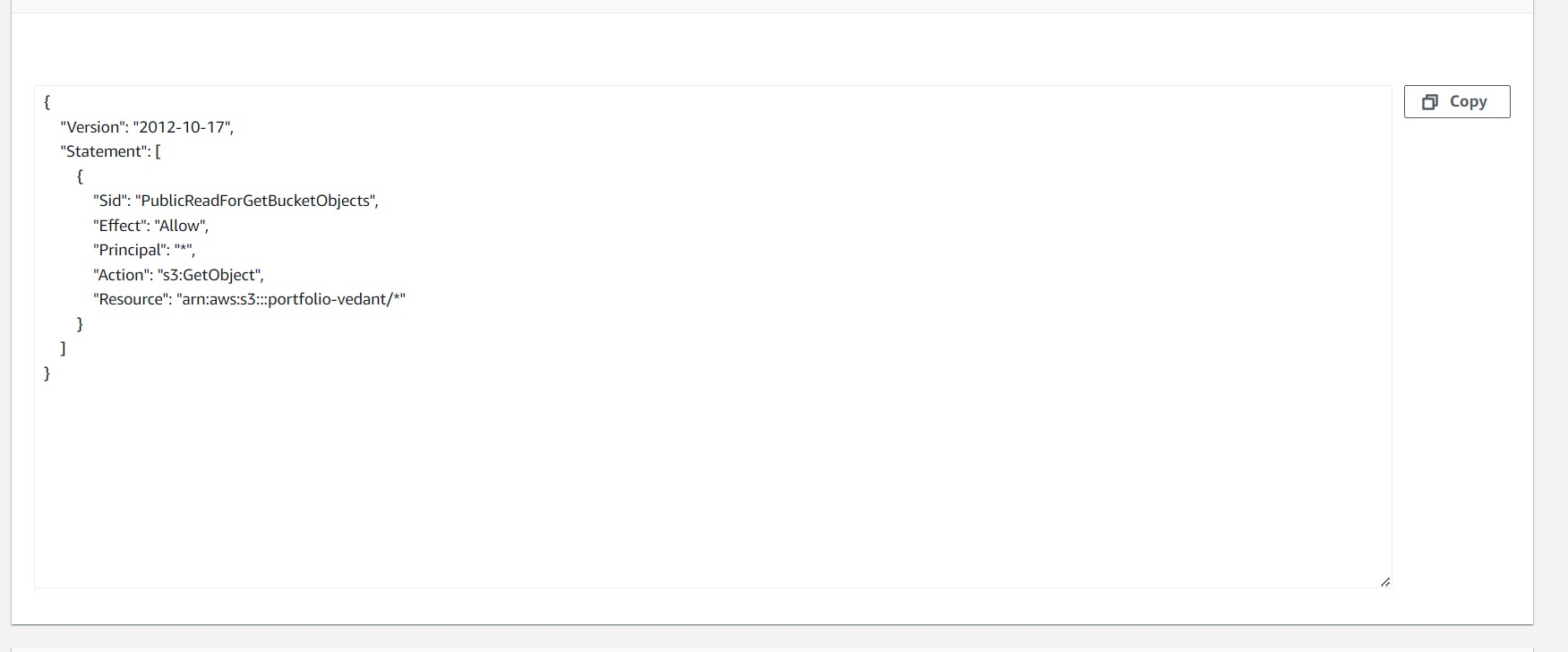
Adjust Bucket Permissions in S3: Ensure proper permissions are granted to the S3 bucket to facilitate smooth operation.
Modify index.html File and Deploy Portfolio Website: Customize the index.html file to trigger the GitHub Actions workflow and update website content and title. Commit and push changes to the GitHub repository.
Execute the GitHub Actions Workflow: Initiate the workflow execution within GitHub Actions for seamless deployment.
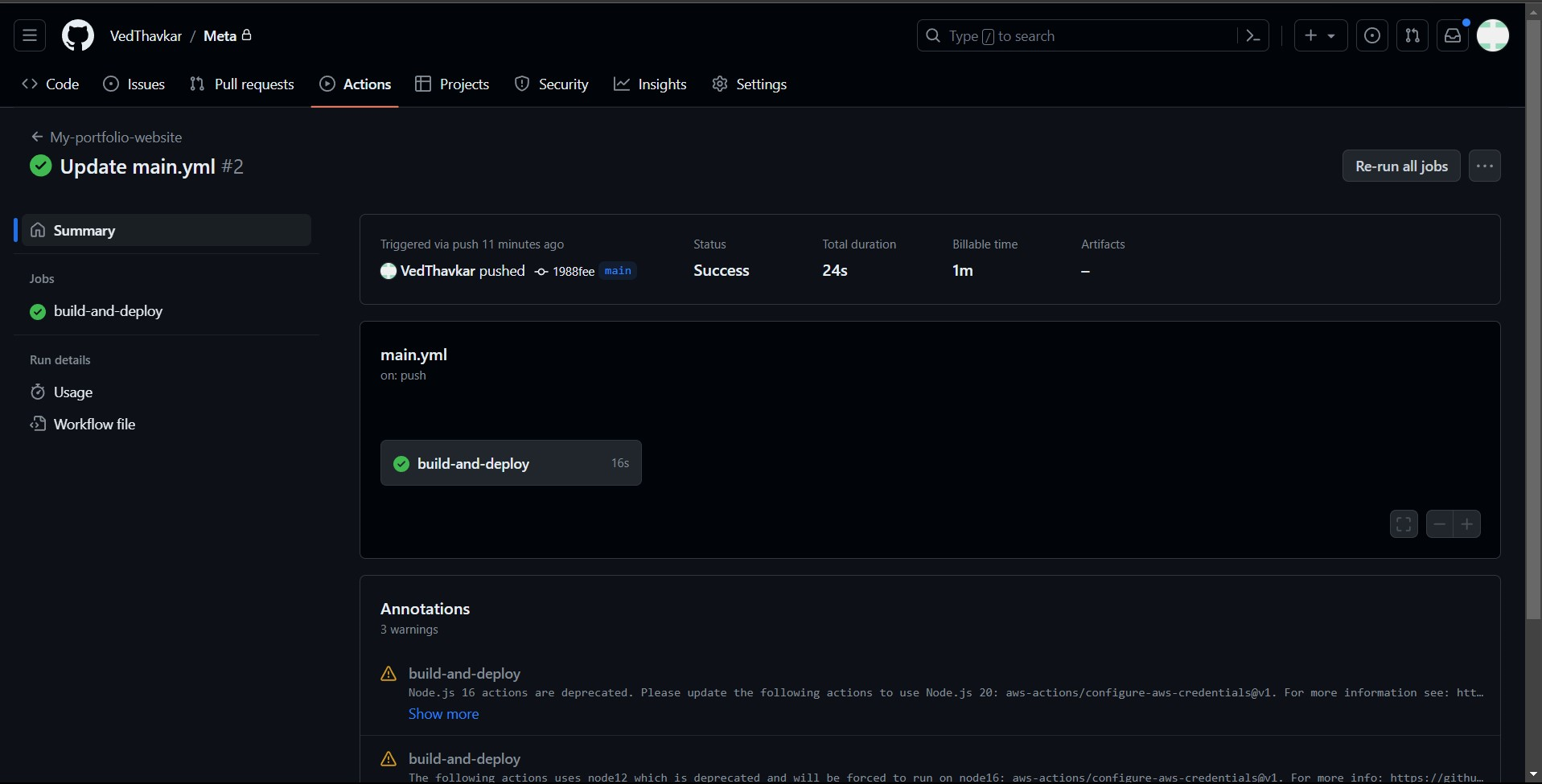
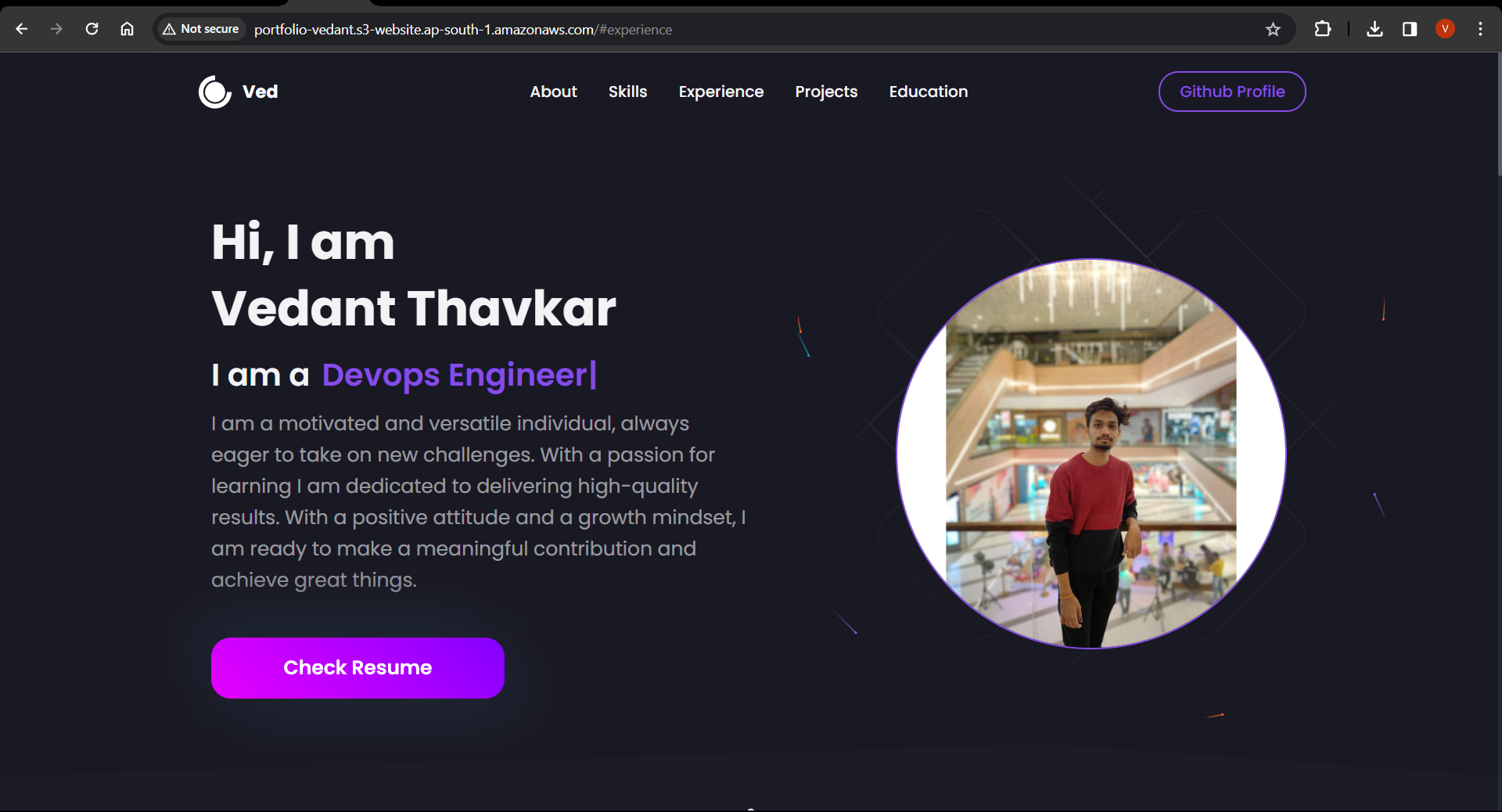
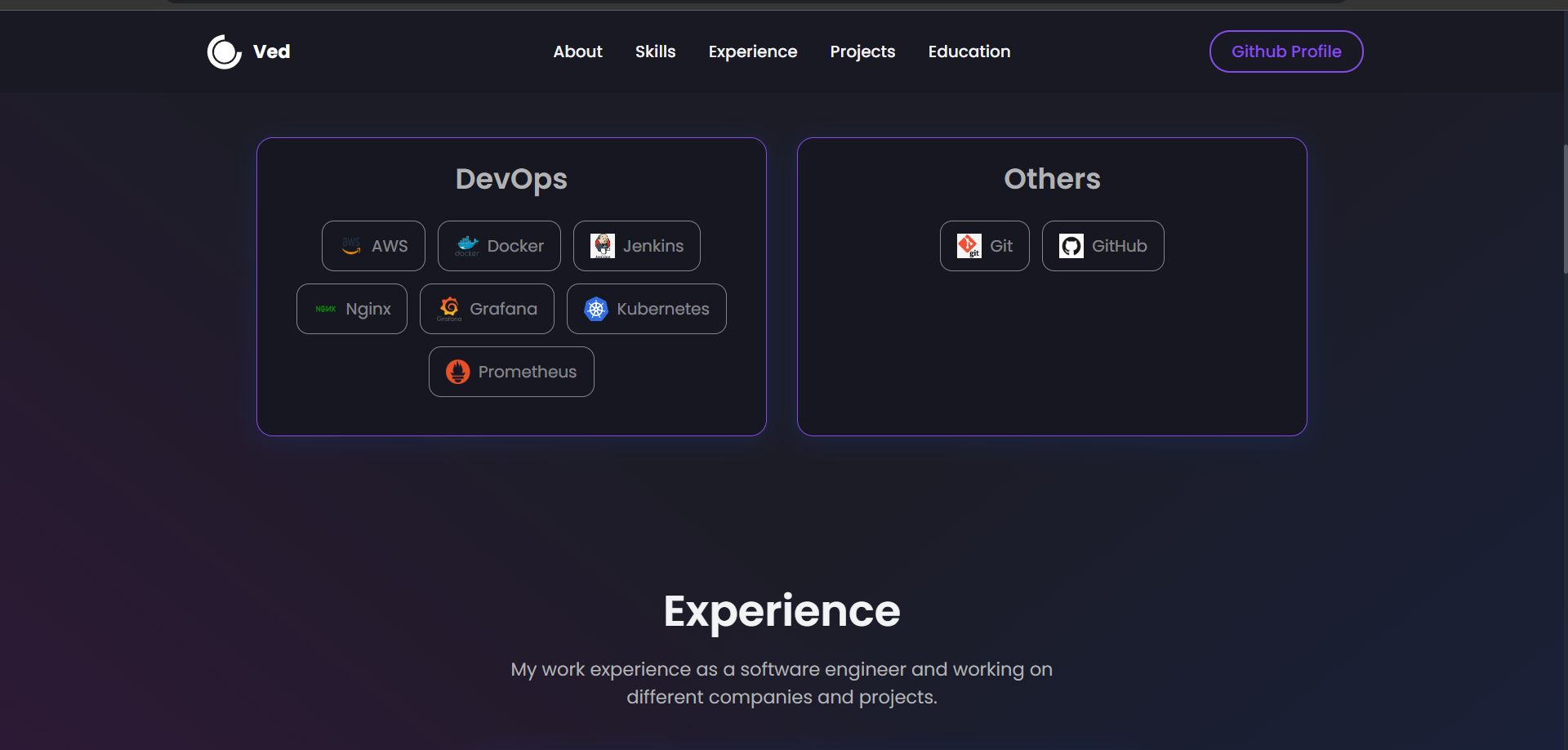
Activate the Website: Upon successful completion of the workflow, the portfolio website will be live and accessible.
Thank you for exploring this article. Wishing you a fantastic day ahead!


